Superb quality and spec AB-Com PULSe 4K SE. Crazy offer! Only £99! FREE UK DELIVERY! 4K UHD, Enigma 2, Multiboot 4 images & more!...
Superb quality and spec AB-Com PULSe 4K Rev II Twin Satellite tuner only £149! FREE UK DELIVERY! 4K UHD, Enigma 2, SATA HDD facility, Multiboot 4 images & more!...

MODIFIED - ViX Night HD Skin

  • Thread starter Thread starter Etk
  • Start date Start date
thanks yes i sort of figured that.I dont know a great deal about modding and skinning but sure would like a bright EPG.
never mind im sure on will come along.

Thing is very few people outside of the team actually bother to skin for ViX, not sure why but thats how it goes.
 
shame that being its such a good strong image.

I very much agree, we even created a ViX skinners dev section on the forum with the intent of getting like minded skinners working together in one place helping each other and that section is rarely if ever used, not for want of me trying to get people to use it.
 
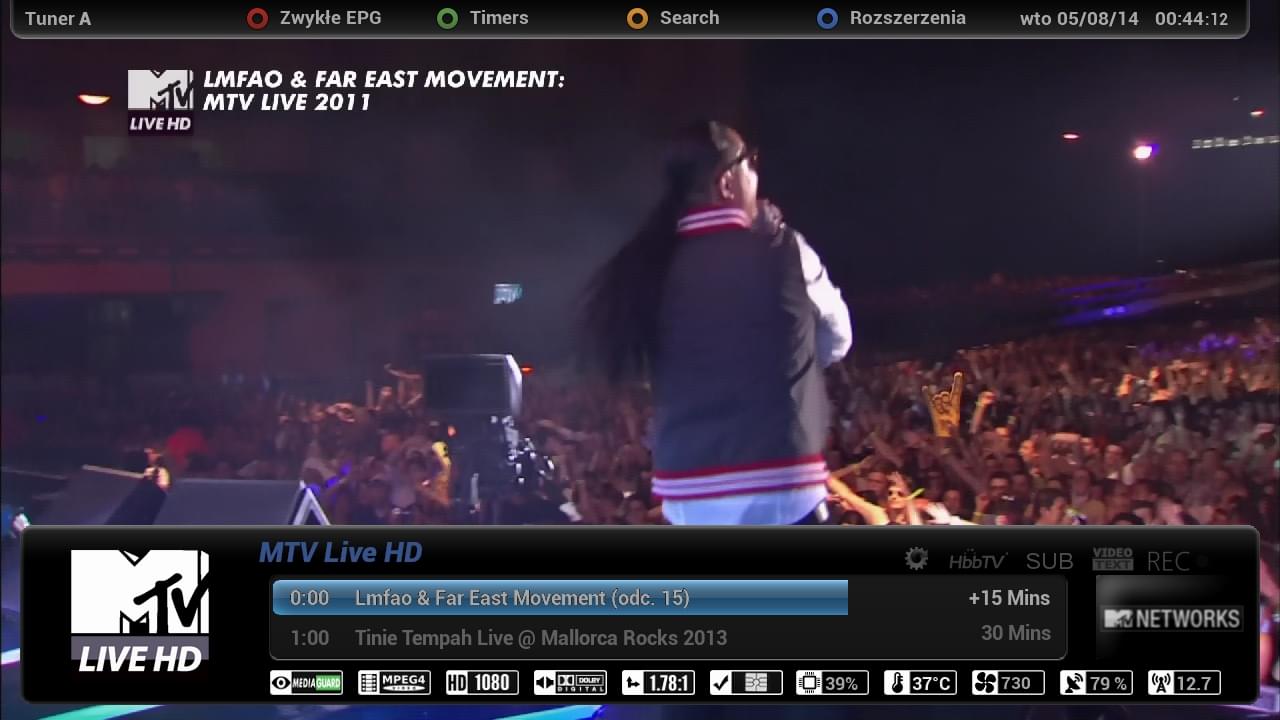
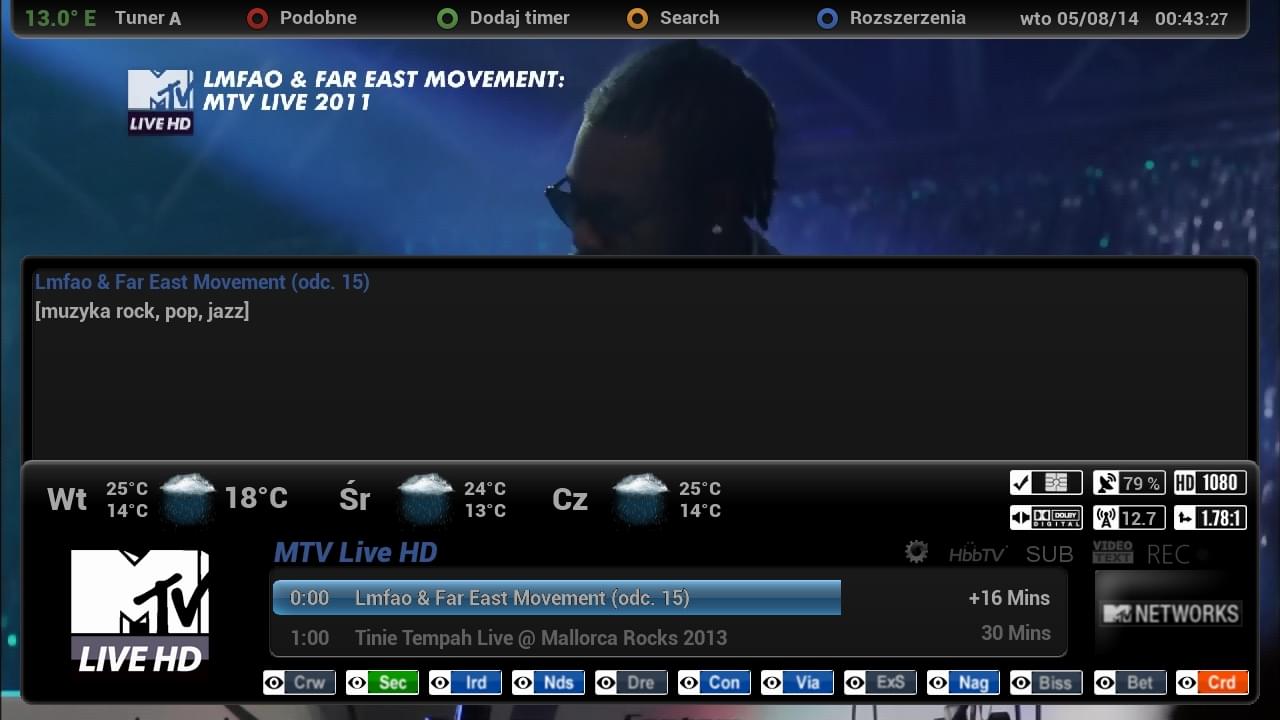
Here's my modded version of the ViX Night Skin, main changes are the EPG colours are now more like the sky ones and the font is different:


View attachment 18423

View attachment 18422


The files you need are the modded skin.xml (which goes in usr/share/enigma2/ViX_Night_HD/) and the fonts (ttf files which go in usr/share/enigma2/ViX_HD_Common/Fonts/)

Download here: View attachment 18424

can I use this skin on Dreambox E2 OpenAtv Image
 
Hi I am new to all this. I have been trying to resize the info bar to make it a little bit bigger so I can add shd picons (220x132). Currently the skin displays hd picons (100x60). I do prefer them to be a bit bigger. Ocram does shd picons which do look awesome. I have attached a screenshot of what I am trying to do. Hope someone can help me out :-)

screenshot.webp
 
Hello, for me the vix magic night HD theme is one I go for everytime. I do like to change the theme but alway go back to the Vix Magic Night HD. It is very elegant in my opinion.
For picons I use Ocram SHD transparent white with no padding.
 
I use the same picons but they get scaled down to 100x60. I really like the Vix Night HD skin, it looks simple and very clean. I just want the picon to be bigger in the skin. Ocram SHD transparent white with no padding would look awesome.
 
I use the same picons but they get scaled down to 100x60. I really like the Vix Night HD skin, it looks simple and very clean. I just want the picon to be bigger in the skin. Ocram SHD transparent white with no padding would look awesome.

we have a built in scaler in the skin that auto scales picons to the correct size for our skins, you would need to edit or disable this but i'm not sure how to go about that or if it's even possible.
 
Thanks pheonix. Do you know if future builds will support shd picons and not scale them down.
 
The scaler is still present in the successor to ViX 3.0 again i'm not sure it it can be disabled easily if at all.
 
Do you know if future builds will support shd picons and not scale them down.
Picon scaling is and will remain to be supported. They are not only scaled down, but also up; depending on the space available in any specific screen of the skin in use.
 
that's fine pheonix. I will give it a go and see if I can do anything with the skin.
 
Hi everyone. I'm a newbie to all this. Recently purchased a VU+Duo2 and have the latest Vix image installed. I've been trying to get the Modifed Vix-Night-HD-Skin to work on my box but my box just hangs. I copied the skin.xml to: usr/share/enigma2/ViX-Night-HD and the fonts to: usr/share/enigma2/ViX_HD_Common/Fonts (folder didn't exist so I created it). If I delete the newly copied skin.xml the box works again. Could you guys tell me what I'm doing wrong?

Also the skin.xml is a lot smaller then the original file, not sure if I should be renaming the new file to something else first or just overwriting the original skin.xml file (which I backup first)

Many thanks.
 
Last edited by a moderator:
Could anyone help please I'm also using this skin and just wondering if there is anyway to scroll a page at a time.
Thanks in advance
 
Hi Rob thanks for the reply but the right arrow on my TM nano oe shuffles through the bouquets,I know the channel rocker button takes me through next days,could just be my box remote setup.
 
Hi I am new to all this. I have been trying to resize the info bar to make it a little bit bigger so I can add shd picons (220x132). Currently the skin displays hd picons (100x60). I do prefer them to be a bit bigger. Ocram does shd picons which do look awesome. I have attached a screenshot of what I am trying to do. Hope someone can help me out :-)

View attachment 32672
Hello
Coming Soon mod ViX Night HD Skin by DMX


OpenViX Feeds Status

Back
Top