

After flashing new version and configuring it from scratch wuth GUI, I have issues with backup manager.
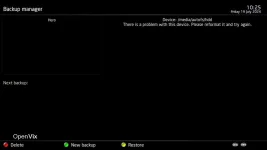
It claimed that that it has problems with the backup device, which is a Synology NAS mounted using autofs (NFS).
Dispite this issue, I was able to use the NAS for viewing the previously stored programs and also for recording new ones.
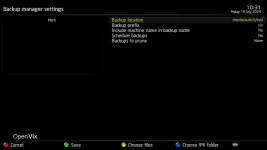
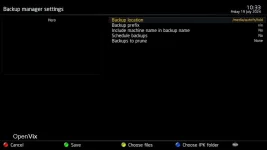
Kind of solves the problem when I noticed that in backup manager backup location settings there were two similar locations listed.
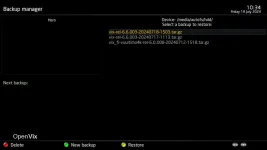
First one was selected and there was no way to delete the entries. I then decided to try the second one, or for some reason the problem was solved, even the setting seemed to be exactly the same. See attached screen shots for details.


It claimed that that it has problems with the backup device, which is a Synology NAS mounted using autofs (NFS).
Dispite this issue, I was able to use the NAS for viewing the previously stored programs and also for recording new ones.
Kind of solves the problem when I noticed that in backup manager backup location settings there were two similar locations listed.
First one was selected and there was no way to delete the entries. I then decided to try the second one, or for some reason the problem was solved, even the setting seemed to be exactly the same. See attached screen shots for details.

