A
Adrian_london
Guest
Hi all
I'm having problems and could do with some help
I have a VU+ Solo2 and I am running Image 5.0.016
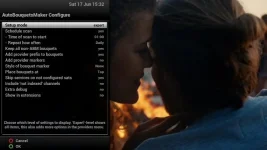
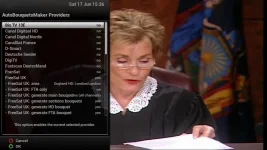
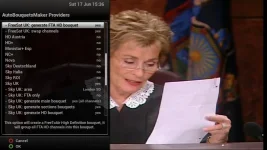
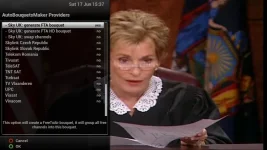
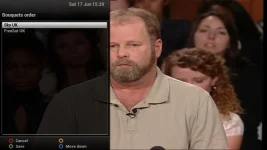
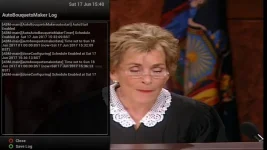
I finally got around to updating my box to 5.0.016 and it's been so long since I had to update the ABM that I've forgotten how to do it. I've tried going through guides but to no avail. I am fairly certain that I have not used any Dreambox edit software to get the ABM working correctly.
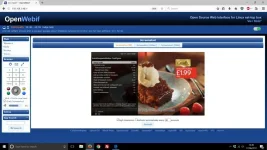
At the moment when I'm watching TV and press the down arrow button I get the following picture.......
This has every channel from every satellite that I've scanned.
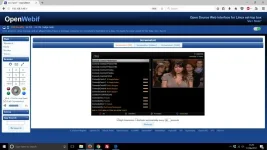
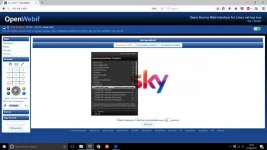
Before, when I used to click on the down button I would get a list of all of the Sky channels with the numbers next to them (eg 401 Sky Sports 1). As you can see, I'm not getting that anymore.
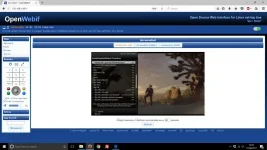
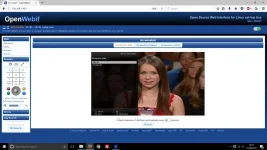
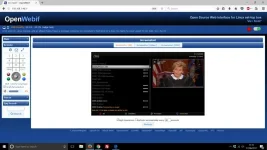
When I go online and go to Webif and click on Bouquets I get the following.......
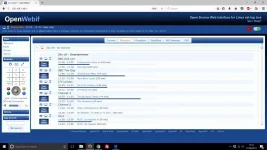
I've no idea if this has anything to do with my box though.
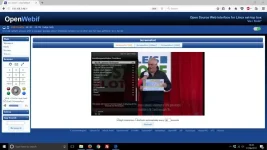
All I want, is to get back to what I used to have. On the left hand side at the top would be 101 BBC 1 then underneath that 102 BBC 2 and so on.
All advice would be very gratefully received.
Adrian
I'm having problems and could do with some help
I have a VU+ Solo2 and I am running Image 5.0.016
I finally got around to updating my box to 5.0.016 and it's been so long since I had to update the ABM that I've forgotten how to do it. I've tried going through guides but to no avail. I am fairly certain that I have not used any Dreambox edit software to get the ABM working correctly.
At the moment when I'm watching TV and press the down arrow button I get the following picture.......
This has every channel from every satellite that I've scanned.
Before, when I used to click on the down button I would get a list of all of the Sky channels with the numbers next to them (eg 401 Sky Sports 1). As you can see, I'm not getting that anymore.
When I go online and go to Webif and click on Bouquets I get the following.......
I've no idea if this has anything to do with my box though.
All I want, is to get back to what I used to have. On the left hand side at the top would be 101 BBC 1 then underneath that 102 BBC 2 and so on.
All advice would be very gratefully received.
Adrian