gorski
Member
- Joined
- Jul 27, 2010
- Messages
- 64
- Reaction score
- 4
- Points
- 8
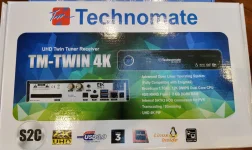
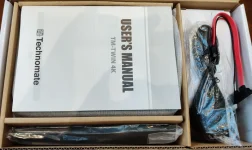
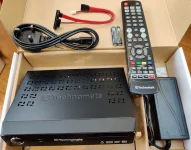
Now, I did encounter a small problem, which I managed to overcome... It states one can remove the front mask/panel, whereas - for me! - it was a bit difficult, as I am not accustomed to forcefully pushing panels out of their lock... So, you may have to be a wee bit more forceful than me, the first time round, in order to dislodge the front panel from the sideways brackets...
Just follow the "Manual"... over on the other page, as well...
Tools and bits needed... (One must have 2 longish screws for the HDD...)
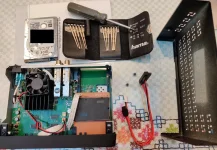
The layout of the box:
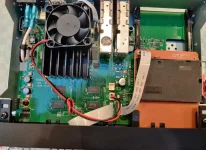
Managed to force the front panel open...
Be careful with the ribbon cable you need to detach from the motherboard...
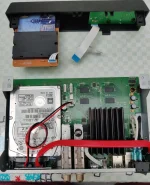
Two slots from HDD screws to keep the HDD in place - must find the suitable length ones...
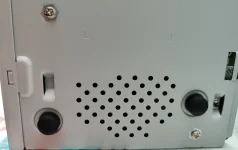
Now it will all fit...
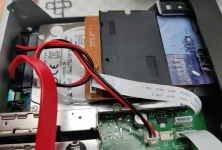
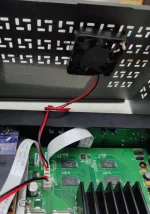
Finally, make a little bigger hole above the processor's heat sink, with a slightly bigger, sharper screw, so you can screw the fan into the top cover holes (it came with one screw only, so I improvised to do it safely with 2 screws) - just above the processor's heat sink, of course...
Maybe I'll continue later...