Superb quality and spec AB-Com PULSe 4K SE. Crazy offer! Only £99! FREE UK DELIVERY! 4K UHD, Enigma 2, Multiboot 4 images & more!...
Superb quality and spec AB-Com PULSe 4K Rev II Twin Satellite tuner only £149! FREE UK DELIVERY! 4K UHD, Enigma 2, SATA HDD facility, Multiboot 4 images & more!...

Technomate TM-TWIN 4K as experienced by me...

gorski

Member
Joined
Jul 27, 2010
Messages
64
Reaction score
4
Points
8
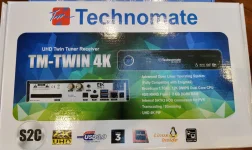
01_The box.webp

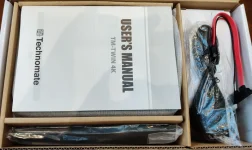
02_Inside the box.webp

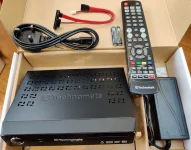
03_All the pieces inside.webp

Now, I did encounter a small problem, which I managed to overcome... It states one can remove the front mask/panel, whereas - for me! - it was a bit difficult, as I am not accustomed to forcefully pushing panels out of their lock... So, you may have to be a wee bit more forceful than me, the first time round, in order to dislodge the front panel from the sideways brackets...

Just follow the "Manual"... over on the other page, as well...

Tools and bits needed... (One must have 2 longish screws for the HDD...)
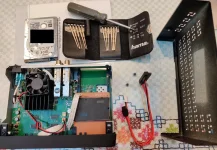
05_Bits and piceces needed to get it to work.webp

The layout of the box:

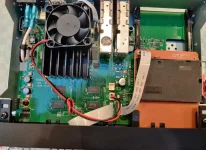
06_Inside the TM Twin 4K.webp

Managed to force the front panel open...

Be careful with the ribbon cable you need to detach from the motherboard...
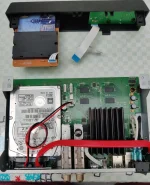
07_Separated the front panel.webp

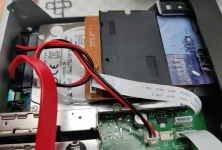
Two slots from HDD screws to keep the HDD in place - must find the suitable length ones...
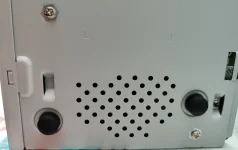
08_Two slots for HDD screws.webp

Now it will all fit...

09_Now it fits.webp

Finally, make a little bigger hole above the processor's heat sink, with a slightly bigger, sharper screw, so you can screw the fan into the top cover holes (it came with one screw only, so I improvised to do it safely with 2 screws) - just above the processor's heat sink, of course...
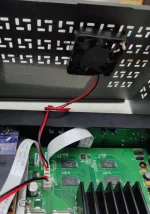
10_Fan screwed to the top cover.webp

Maybe I'll continue later... :)
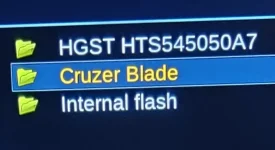
 
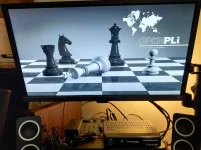
Anyway, it came with OpenPLi and we had to remedy that, of course... :p :ROFLMAO:

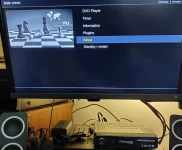
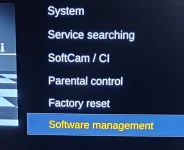
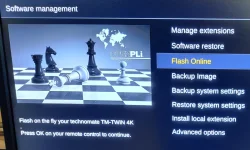
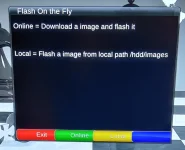
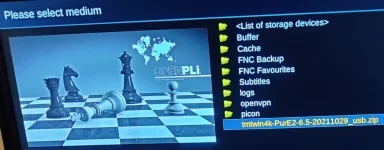
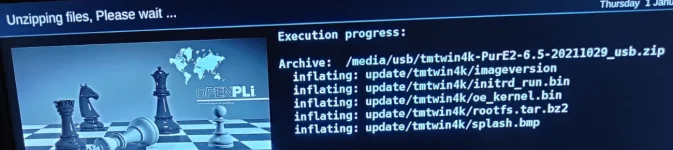
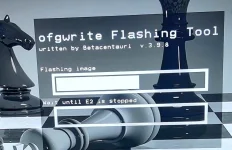
Here is how to flash it from a FAT32 formatted USB stick I put it on...

PLi 1.webp

PLi 2.webp

PLi 3.webp

PLi 4.webp

PLi 5.webp

PLi 6.webp

PLi 7.webp

PLi 8.webp

PLi 9.webp

PLi 10.webp
 
So, back then, long ago, when I got the TM boxes from the manufacturers - who were brilliant, btw!!! - I was testing PurE2 v. 6.5 first...

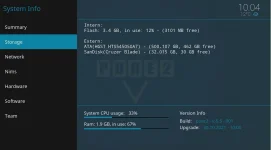
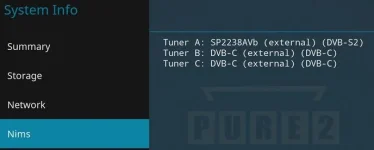
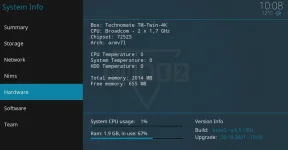
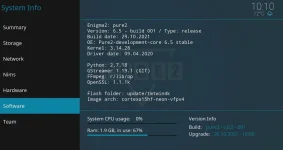
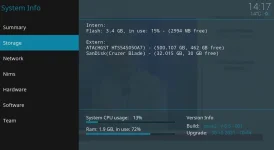
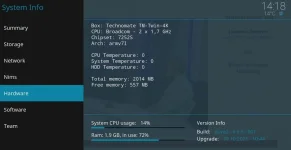
Quickly, these are the relevant pieces of info of this very capable box...

01_After flashing 1.webp

02_Tuners.webp

03_HW Info.webp

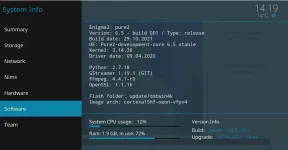
04_SW Info.webp

05_Storage after setting it all up.webp

06_HW Info_no HDD temperature.webp

07_SW Info after setting it all up.webp

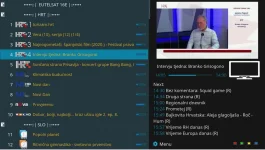
08_Channel list in PurE2.webp

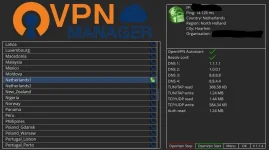
09_OpenVPN_protect yourselves.webp

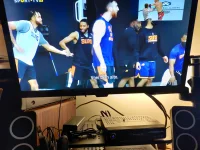
PiP.webp
 
Apologies for the random question way after the initial post. For context, I've just upgraded the HDD in mine, but I didn't notice how the fan was secured. I can't see from your photos - can you tell me what that single screw (in the fan) is connected to? I can't find anything that it fits to. Thanks
 
I would imagine that he just drilled a hole (or holes) through the top of the case. There are standard screws with a coarse thread that will screw into the plastic fan holes.
 
Seems logical, I just couldn't find the "standard" was as the fan dropped off in my hand and I can't find how to put it back
 
Apologies for the random question way after the initial post. For context, I've just upgraded the HDD in mine, but I didn't notice how the fan was secured. I can't see from your photos - can you tell me what that single screw (in the fan) is connected to? I can't find anything that it fits to. Thanks

Cable ties. Not the expensive thick nylon ones but the cheaper thin ones that are very flexible. This is what I did on my previous Topfield PVR.

If adding an additional fan find a low noise fan that runs at a slow speed or use a series resistor to slow down the fan speed. Running a fan just above its stall speed will reduce the internal temperature of the box by around 10C (assuming that you don't put the box in a stack of other heat generating equipment.
 

OpenViX Feeds Status

Back
Top