The Vix "plugin" is not seen in the plugin menu. You do not install it, it is part of the Vix image
You can access it by two ways:
Blue > Vix
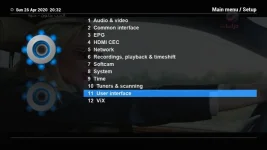
Menu > Setup > Vix
If it is missing, you will need to manually save your configuration files and manually restore them after flashing latest images. See this guide/thread
https://www.world-of-satellite.com/...y-restore-settings-from-images-older-than-4-2[/QUOTE
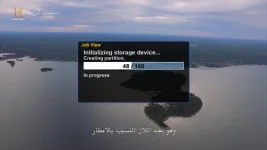
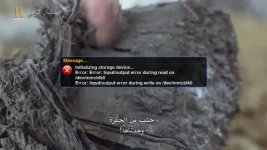
I did the 2nd solution but see the pic i didn't find storage section when i insert SD card
but when i insert flash memory storage section its shown