Manno
Member
Start with Putty..so putty.
using the boxes IP address login (root, password) ... if it doesn,t ask for the password then enter "passwd" and create new password.
type init 4 (space between)
using Filezilla or similar (use IP address and root/password) copy attachment to /usr/lib/enigma2/python/Components
in Putty type init 3 (space between).
Assuming this is done,
Blue button on remote, ViX,
BackupManager -----> menu button on remote ...check save location is OK (HDD).
exit and create new settings backup.
ImageManager ... yellow button download latest OpenViX image ----- Blue button flash (if multiboot installed select different slot)
On reboot, Wizard should find your settings backup, select and then let it restore.
Will Reboot and you should be on latest image with your settings.
In future, I would flash image ... I never use software update.
Use IP address and log-in with username and password
Type init 4 box freezes....
Copy attachment to given location....
Type init 3 box reboots.....
Blue button still no Back-up manager, nothing changed......
Got new error:
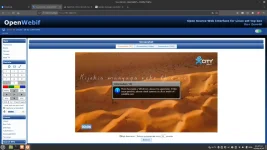
Some plugins are not available:
SystemPlugins/ViX (cannot import name 'CHKROOTMB' from 'Components.Systeminfo'
(/user/lib/enigma2/python/Components/Systeminfo.pyc))