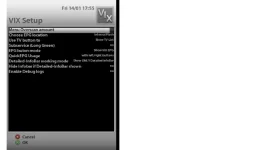
Lately I've had some problems withe the channel list. Some of the channels on Thor have changed transponder, and when I did a search, the new channels did appear, but some of the other channels are now showing black screen. PAT not found in PID, or something like that, is the message I get. When I then try to search manually on the given transponder, the tuner finds only one channel, where it should be 8 - 10...
Some of the new channels is also a bit difficult, to put it that way. Sometimes I get black screen on those as well, but with some zapping the picture appears, most of the time at least. The signal is very good (beween 93 and 99), and I hav tried both new and old satellites.xml.
Any good advice..?
PS: I'm not suggesting that this is an image issue, but a few of my friends running other images, do not have these issues.