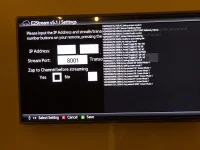
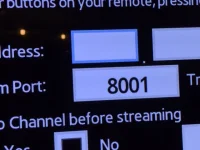
hmmm. so the audio is enabled. Can you try just pressing tools on the welcome screen to see if you can show/hide the debug?
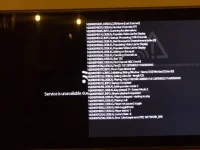
Hi Pembo, Pressing tools at the welcome screen or in the settings screen does NOT toggle debug. The DEBUG message:
tools - Key pressed 75-Screen mode:4
B - Key pressed 20-Screen mode:4 followed by: Settingscreen mode:1
then pressing 1 2 3 in sequence gives:
Key pressed 101-Screen mode:1
Key pressed 98-Screen mode:1
Key pressed 6-Screen mode:1
then pressing navigation up, down, left and right
Key pressed 29460-Screen mode:1
Key pressed 29461-Screen mode:1
Key pressed 4-Screen mode:1
Key pressed 5-Screen mode:1
and of course nothing as regards input happens. Hope this helps