don't use the ipk
I made a mistake when I created them that's why I asked for the ipk post to be removed.
the only way u can get it going is to download the proper cool tv guide from here
Code:
http://www.cooltvguide.com/
and install that and reboot box I normally unplug power and plug it in again.
then download the oe2.0 files I posted .
extract them
now ftp your box and goto
/usr/lib/enigma2/python/Plugins/Extensions//CoolTVGuide/
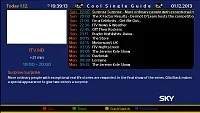
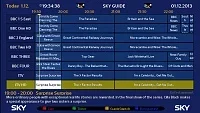
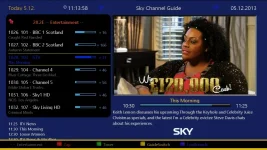
u will see 2 folders called Cool3D and CoolSkin these folders are the skin folder for cool guide.
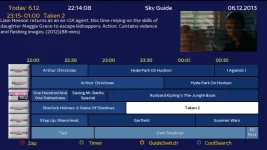
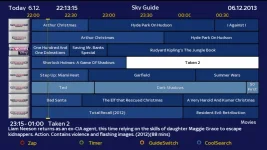
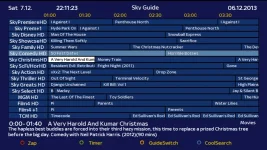
now in the oe2.o file I posted u will see the same folders u need to replace the folder on your box with the folder in my oe2.0. now it should be my sky skin.
if its not go to plugins cool tv guide and change the skin to my desighn now it should work.
this is the only way until someone can create the ipk file with my files.
you only need to replace these two folders with mine Cool3D and CoolSkin
don't forget once u have installed cool guide u need to reboot the box.
and I may be wrong but cool tv guide dosent work on every Linux box also I don't think cool guide works on a vix I don't have a vix box so I cant say for sure...


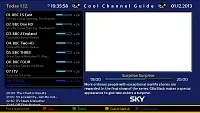
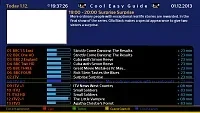

 )
)